Phone support still breaks in familiar ways.
A customer waits. Explains the problem. Gets transferred. Repeats the same details. Sometimes they call back the next day because nothing was actually resolved.
AI voice agents are beginning to change that workflow.
What matters in 2026 is not whether AI can hold a convincing phone conversation. The useful test is whether it can understand why someone called, access the right business system, complete a support task, and bring in a human when it should.
That is a much higher bar than replacing an IVR menu.
The broader customer-service market is moving quickly. Salesforce's 2026 research found that adoption of agentic AI among customer-service organizations increased from 39% in 2025 to 66% in 2026. Among organizations already using AI service agents, 70% reported measurable value within 60 days, with customer satisfaction reported as the most improved KPI.
Voice is one part of that shift.
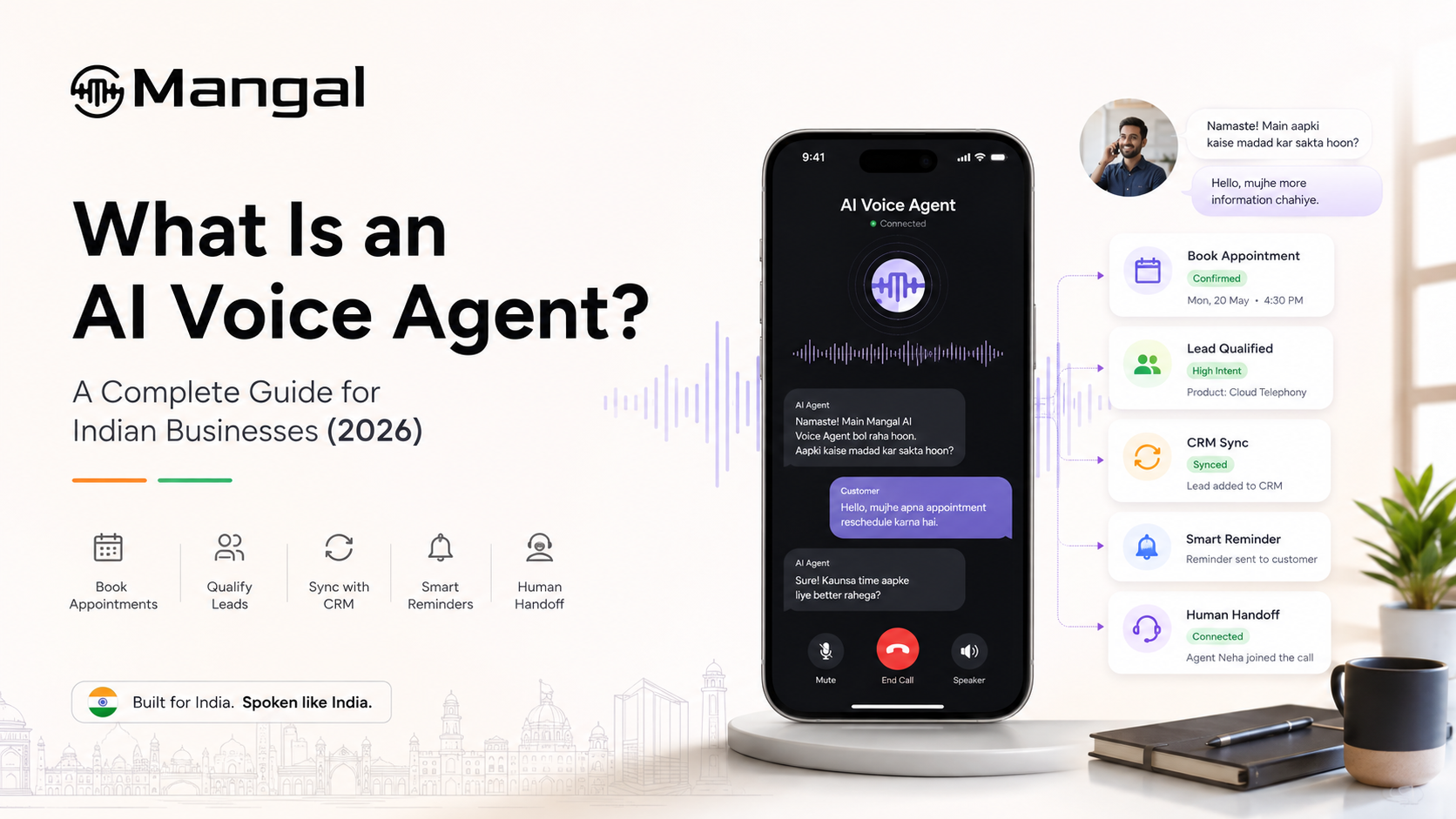
If you need the basics first, start with What Is an AI Voice Agent?
What AI voice agents change in customer support
A useful customer-support voice agent does more than answer the phone.
It can:
- understand why the customer is calling
- retrieve relevant customer or account information
- answer routine questions
- complete permitted actions in connected systems
- capture the outcome of the call
- transfer the conversation when human judgment is needed
Consider a basic order-status call.
A weak system hears the question and gives a generic response.
A better system identifies the customer or order, checks the actual status, explains what is happening, records the outcome, and handles the next step if the customer needs one.
The difference is resolution, not conversation.
India and the USA: different support pressures, similar operational problems
AI voice agents can serve the same basic role in both markets, but the deployment priorities are not identical.
| India | United States |
|---|---|
| Multilingual and code-switched conversations can be central to the customer experience | Contact-center integration and operational efficiency often receive more attention |
| Seasonal and campaign-driven call spikes can create sharp changes in volume | Large support operations often need consistent overflow and after-hours coverage |
| Hindi, Hinglish and regional-language performance may determine whether automation works at all | English may dominate many workflows, but multilingual support still matters for diverse customer bases |
| Mobile-call conditions and local language usage need realistic testing | CRM, helpdesk and contact-center integration can strongly influence resolution quality |
| Ecommerce, healthcare, financial services, education and real estate offer many repeatable workflows | Healthcare, insurance, financial services, retail, SaaS and local services offer similar structured workflows |
The implementation details differ, but the operational question is the same:
Which customer calls are repetitive enough to automate without making support worse?
Why voice AI is more practical now
Three technical improvements helped move voice AI beyond rigid phone menus: better speech recognition, stronger conversational models, and more natural speech generation.
But those improvements alone do not make a good support agent.
The bigger change is that voice systems can increasingly connect the conversation to the systems behind customer support.
An agent may be able to:
look up an order → explain its status → update a delivery preference → record the interaction
or:
check appointment availability → book a slot → send confirmation → update the CRM
That is where the economics of support begin to change.
A voice agent that sounds natural but cannot access the tools needed to solve the customer's problem is still mainly an answering layer.
Where AI voice agents work well in customer support
The easiest support workflows to automate usually share three characteristics:
high volume, repeatable steps, and a clear definition of success.
| Customer-support workflow | What the agent can handle |
|---|---|
| Order status | Retrieve current order or delivery information |
| Appointment support | Book, reschedule, or cancel appointments |
| Routine account questions | Retrieve permitted account or plan information |
| Payment status | Confirm payment status and explain a defined next step |
| FAQ calls | Answer common product, service, or policy questions |
| Call triage | Identify the request and route the caller correctly |
| After-hours support | Resolve routine requests or capture context for follow-up |
| Overflow calls | Take repetitive demand when human queues are busy |
| Lead enquiries | Capture requirements and route qualified callers |
| Reminder responses | Confirm, decline, reschedule or record an outcome |
India already provides examples of this moving beyond small demos. ElevenLabs reports that Meesho's Hindi-English voice agent handles more than 60,000 customer calls per day, including questions about order delays, cancellations and refunds. This is a vendor-published case study, but it is a useful example of voice automation operating at meaningful support volume.
India adds a language test that English-only demos can hide
A customer-support agent can perform well in a clean English demo and still struggle badly on Indian calls.
A caller might say:
"Mera refund abhi tak nahi aaya, can you check what happened?"
The agent has to follow the meaning across Hindi and English without treating the language switch as a new conversation.
Then it still has to correctly understand:
- names
- amounts
- dates
- order IDs
- product terminology
- regional pronunciation
- interruptions
This capability is moving further into mainstream enterprise products. In May 2026, Salesforce launched Hindi support for Agentforce Voice and specifically highlighted natural Hindi-Hinglish code-switching alongside action-oriented enterprise workflows.
For a deeper testing framework, read Multilingual AI Voice Agents in India.
The integration layer often decides whether the call gets resolved
Customer support is full of requests that require access to another system.
"Where is my order?" requires order data.
"Move my appointment" requires calendar access.
"Did you receive my payment?" requires the relevant account or billing information.
"Open a support ticket" requires the helpdesk.
This is why integrations deserve as much attention as voice quality.
A useful pilot should test whether the agent can safely read or update the systems required by the workflow, not simply whether it can repeat information from a FAQ page.
Leading customer-service voice-AI guides increasingly make the same distinction: shallow integration leaves the agent able to talk about the problem, while deeper integrations allow it to complete more of the support journey.
Human handoff is part of good automation
A transferred call is not automatically a failed AI call.
Sometimes it is exactly the correct outcome.
A support agent should have a clear path to a human when:
- the customer asks for one
- the request sits outside the agent's permissions
- the problem requires judgment or empathy
- the conversation repeatedly fails
- a business rule requires human approval
- the customer reaches a sensitive or high-value exception
The quality of that transfer matters.
The customer should not spend four minutes explaining the problem to AI and then hear:
"Can you explain everything again?"
The receiving team should get enough context to continue the conversation.
That might include the caller's details, detected intent, information already collected, transcript or summary, and the business record the AI was working with.
For customer support, handoff without context is only a more complicated queue.
What should support teams measure?
The easiest metric to inflate is:
calls handled by AI.
It is also one of the least useful on its own.
A better scorecard starts with customer outcome.
Resolution or task completion
Did the customer actually get what they called for?
An answered call that creates another callback is not the same as a resolved call.
First-contact resolution
Was the issue handled during the first interaction, or did the customer have to contact the business again?
Repeat contact
Are customers calling back because the first conversation failed?
This can expose problems that a high "automation rate" hides.
Transfer rate
How many calls require humans, and why?
Do not optimize this toward zero. The goal is appropriate escalation, not trapping every caller inside automation.
After-hours resolution
How much useful support is completed when the human team is unavailable?
Cost per resolved interaction
Minutes are an operating input.
The more useful business question is:
What does it cost to successfully resolve this type of customer request?
Don't optimize average handle time in isolation
Average handle time still matters.
But making a call shorter is not automatically an improvement.
A 45-second call that ends without resolving the customer's problem can create another call, another queue entry, and more frustration.
A 90-second conversation that successfully completes the workflow may be cheaper for both sides.
Measure efficiency alongside:
resolution, repeat contact, escalation quality, and customer experience.
Salesforce's 2026 customer-service research is useful here: organizations using AI agents reported customer satisfaction as the most improved KPI, ahead of average handle time and first-response time.
What should stay with human support?
The strongest deployment is usually not the one that automates the largest percentage of calls.
It is the one that has the clearest boundary.
Human agents remain important for conversations involving complex exceptions, sensitive disputes, distressed customers, high-value decisions, unusual troubleshooting or authority the AI should not have.
The system also needs a safe response when it simply does not know.
That means:
clarify when possible → avoid inventing an answer → transfer when necessary
Research on customer-support agents in 2026 is increasingly looking beyond whether a model can call a tool and toward whether it follows business policies and completes realistic journeys correctly.
For production support, that distinction matters.
How to start without turning voice AI into a six-month project
Start with one call type, not the entire contact center.
1. Find the repetitive work
Look at your existing calls and identify a request that appears every day.
Good examples might be appointment changes, order-status questions, or simple lead qualification.
2. Define success before building
"Customer spoke to the AI" is not a success metric.
Use something concrete:
appointment booked
order status correctly provided
lead captured in CRM
request transferred with context
3. Connect only the systems that workflow needs
Do not integrate everything because you can.
If the first workflow only needs a calendar and CRM, start there.
4. Test failure, not just the happy path
Interrupt the agent.
Give it an unexpected answer.
Use background noise.
Ask for a human.
Give it a request outside policy.
You learn more from those calls than from another perfect demo.
5. Review real calls before adding the next workflow
Listen to recordings.
Read transcripts.
Inspect failed tasks.
Look at repeat contacts and transfers.
Then decide whether to expand.
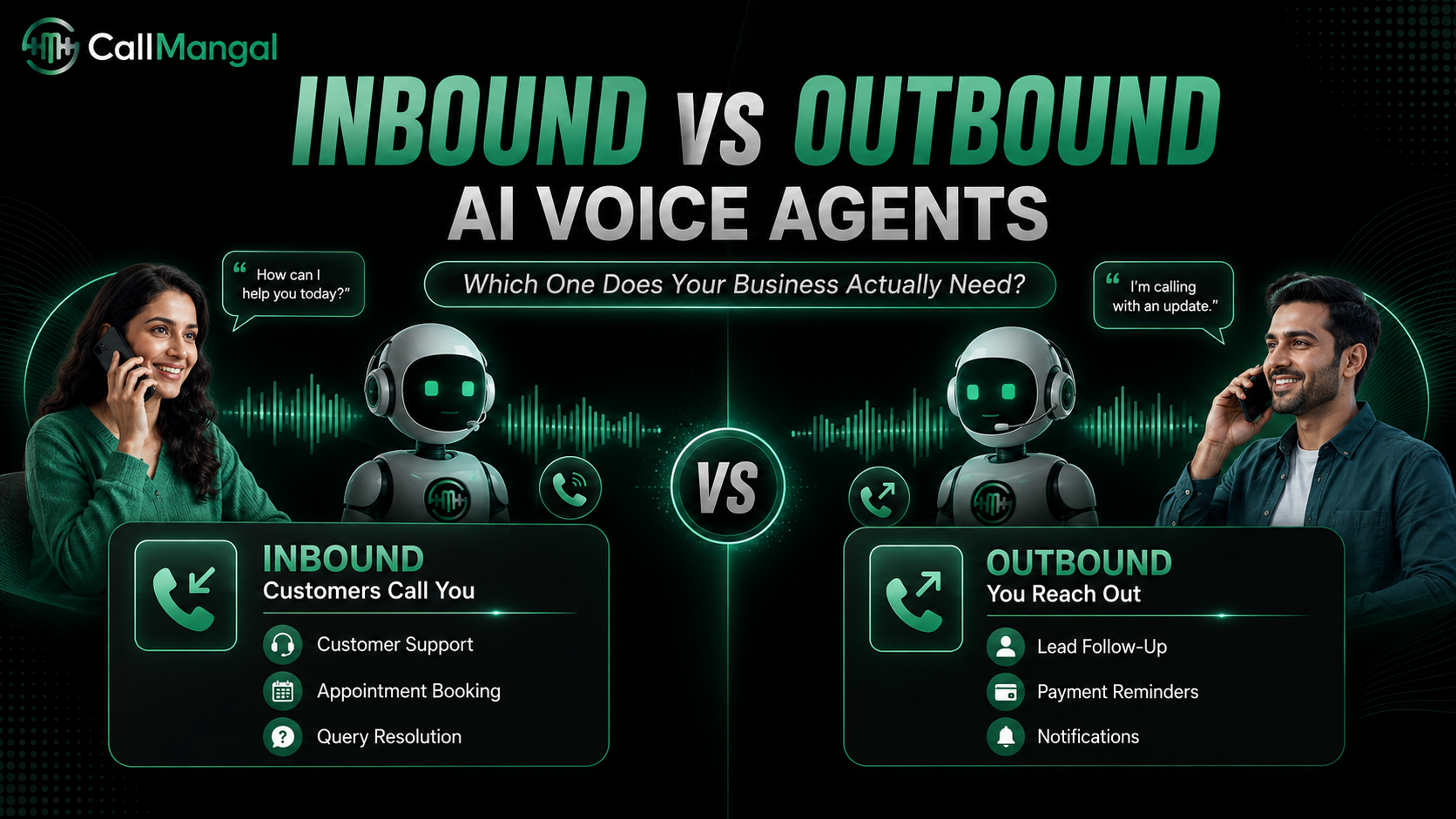
If you are still deciding what direction the first workflow should take, read Inbound vs Outbound AI Voice Agents.
Choosing a voice AI platform for customer support
Do not shortlist platforms only by:
- number of voices
- headline latency
- language count
- cheapest advertised minute
Test the things that affect the actual support outcome:
Can it understand your callers?
Can it access the systems required to solve the request?
Can it complete the business action correctly?
Does it recover when the conversation changes?
Can it hand the customer to a person without losing context?
Can your team review what happened after the call?
If you are comparing different types of platforms, see CallMangal vs Sarvam AI vs Vapi vs CallHippo for a broader buyer framework.
Where CallMangal fits
CallMangal is built around business calling workflows rather than voice conversation alone.
A team can configure inbound, outbound, and WebRTC calls, keep recordings and transcripts, connect conversations to business systems, and transfer customers to human teams when needed.
Its current language direction is India-first, with 30 Indian languages and 12 international languages, and additional languages being added as the platform expands globally.
That makes the most practical starting point fairly simple:
Pick one customer-support workflow, connect the systems needed to complete it, and test it on real calls before expanding.
Explore CallMangal Use Cases or review AI Voice Agent Pricing when you are ready to scope a pilot.
Frequently asked questions
What is an AI voice agent for customer support?
An AI voice agent answers customer calls, understands what the caller needs, and attempts to complete a defined support workflow using connected business information and tools.
It can resolve routine requests directly and transfer conversations that require a human.
What customer-support calls are best to automate first?
Start with high-volume calls that follow repeatable rules and have a clear outcome.
Order status, appointment management, FAQs, simple account requests, lead routing, and after-hours support are common examples.
Can AI voice agents handle multilingual customer support?
Yes, but quality varies significantly by language, accent, code-switching, telephony conditions, and configuration.
For India, test Hindi, Hinglish and relevant regional-language conversations using real customer scenarios rather than relying only on the vendor's language list.
Will AI voice agents replace human customer-support teams?
They can take over some repetitive work, but complex, emotional, sensitive, and exception-heavy conversations still benefit from human judgment.
A stronger operating model is usually AI for repeatable work + humans for exceptions and higher-value conversations.
How should I measure an AI voice support pilot?
Start with task completion and first-contact resolution.
Then monitor repeat contacts, transfers, after-hours resolution, customer experience, and cost per resolved interaction.
Do not judge the pilot only by the number of calls handled by AI.
Start with one real support call
You do not need a contact-center transformation project to find out whether voice AI is useful.
Pick one call your team handles repeatedly.
Give the agent the information and tools required to solve it.
Test normal callers.
Test interruptions.
Test unexpected questions.
Test the handoff.
Then look at whether the customer's problem was actually resolved.
You can try a Live Call with CallMangal, or book a Demo and bring the customer-support workflow you want to test.